iPhone and iPad · Nightstand clock and alarm
 Wakeyside
Wake by light, or by sound.
Wakeyside is a calm nightstand clock with an alarm that wakes you with light or with sound, as you choose, and earlier when the weather or the traffic on your way to work asks for it. It was made first for people who are deaf or hard of hearing, and for anyone who would rather wake gently.
Silent alarm
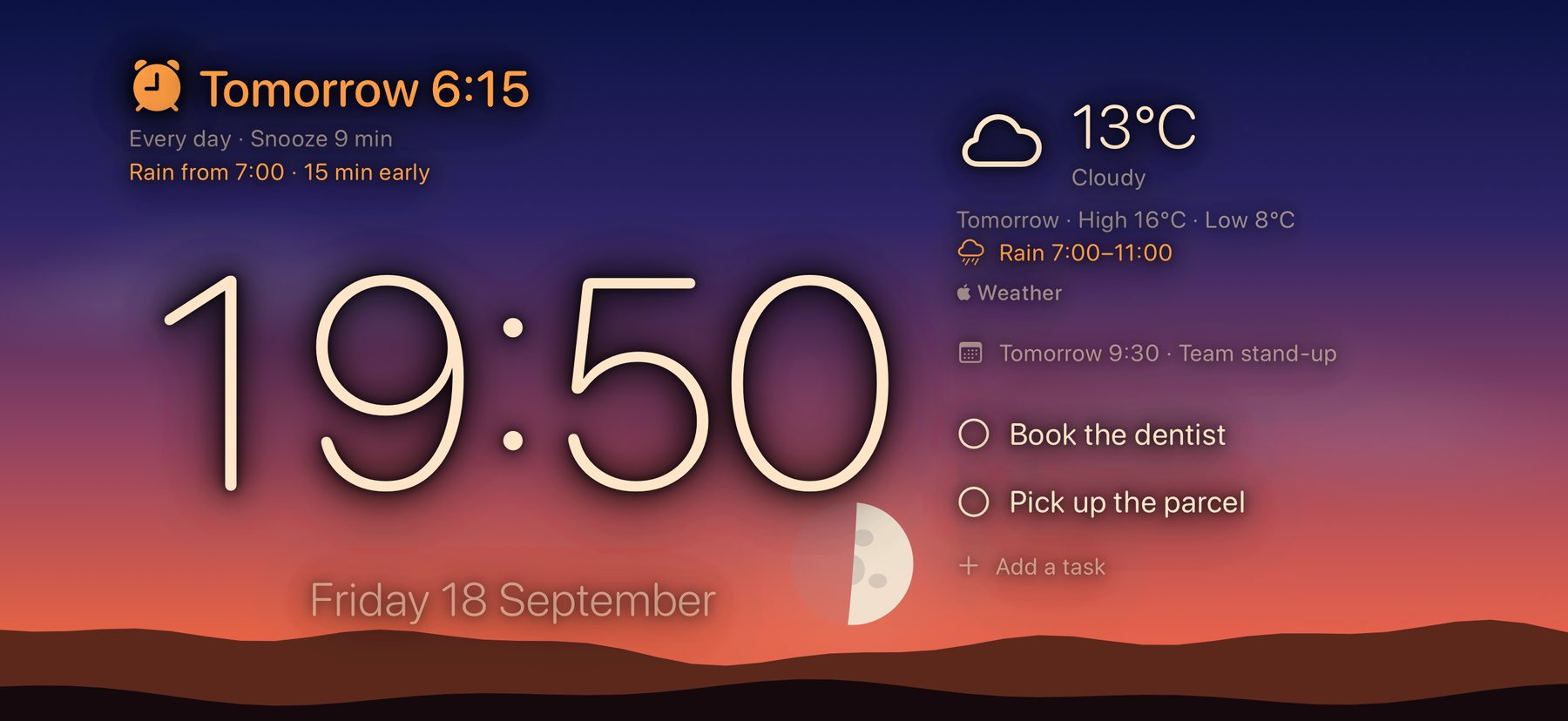
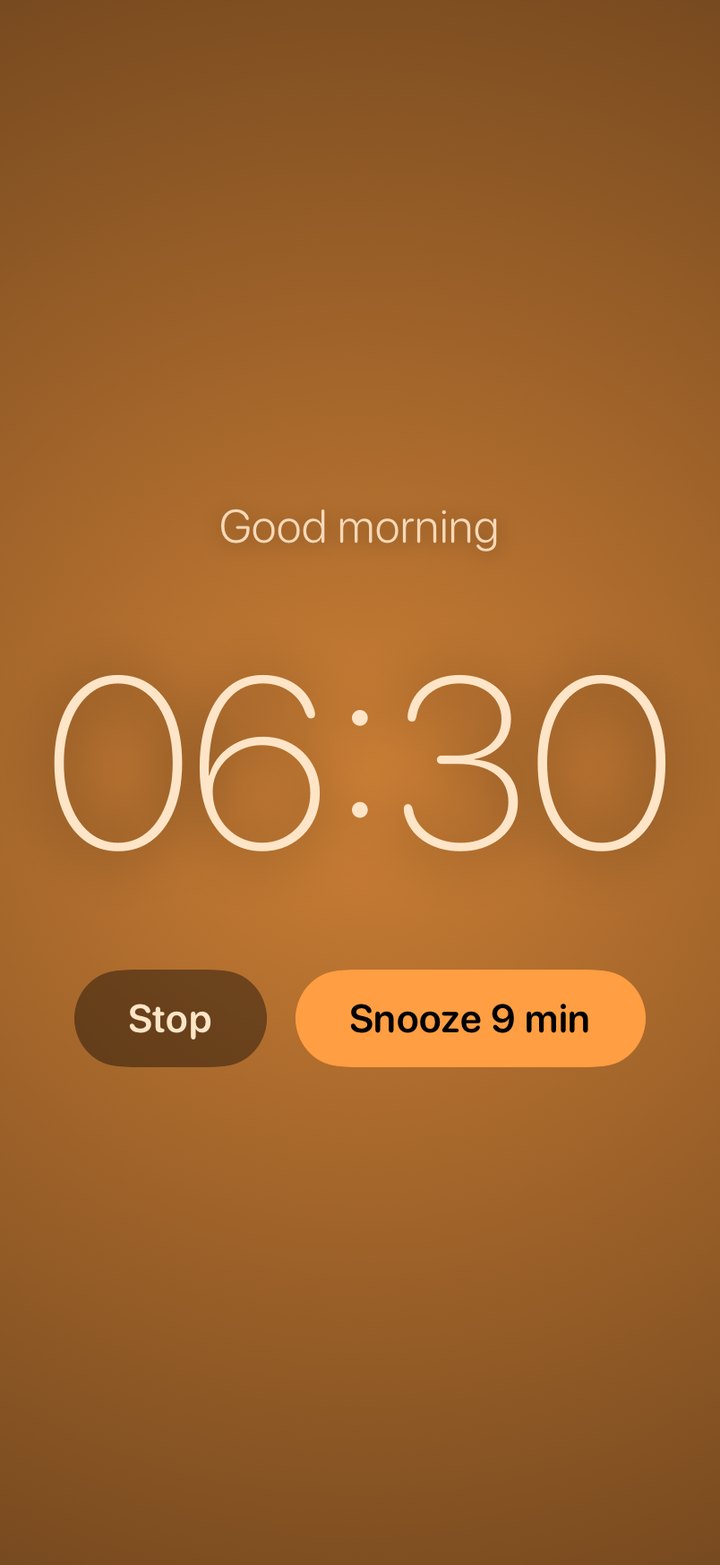
An alarm you can see
At the time you set, the screen slowly fills with light in a colour you choose, with five effects from a slow breath to a storm. The camera light can flash in step with it. Nothing flashes more than three times a second, and Reduce Motion keeps the light steady.
It works while Wakeyside is open on your nightstand, charging. It does not replace a bed shaker or a smoke alarm.
Weather
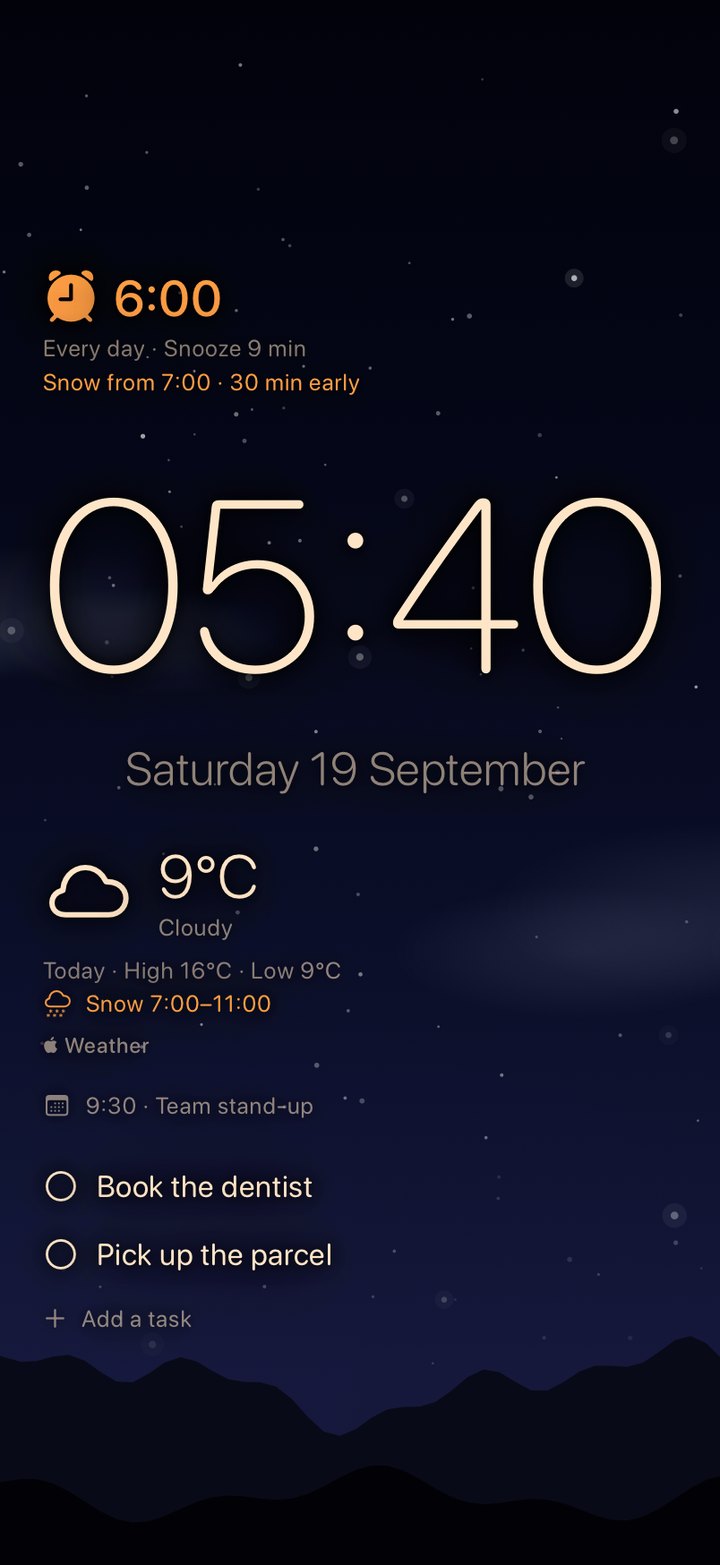
The weather wakes you earlier
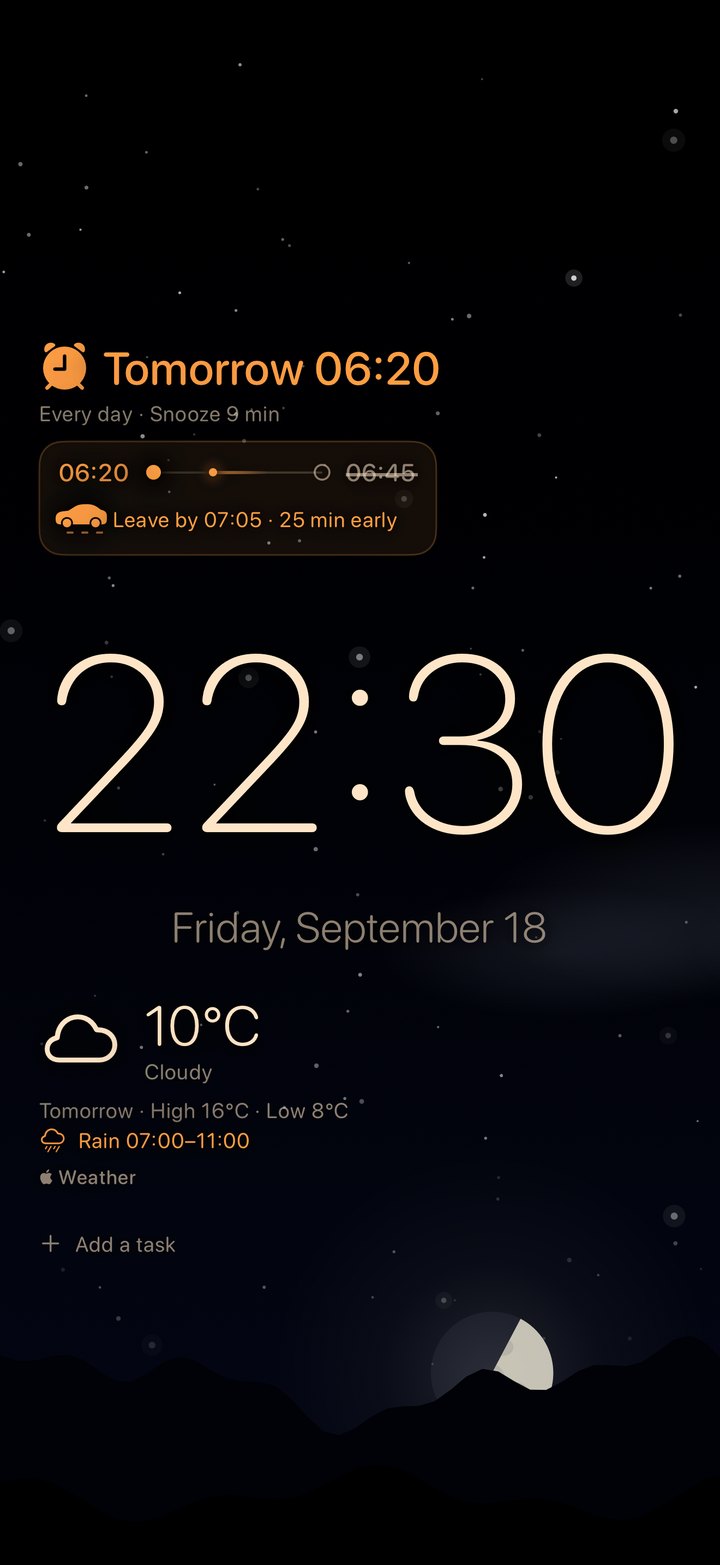
When rain or snow is forecast for the morning, an extra alarm rings earlier, so the weather never catches you out. An early first event of the day can do the same. It never rings later than your regular alarm, and you can switch the weather alarm off.
Your reminders and the first event of the day show on the display, if you allow it, and a reminder is ticked off with a tap. Forecasts come from Apple Weather.
Trip to work
Never late for work again
Tell Wakeyside where you start, where you work and when you must be there. It asks Apple Maps how long the trip takes with the traffic expected when you would leave, and if there is a delay it wakes you earlier. The alarm moves in steps of five minutes and the display tells you when to leave.
It never rings later than your regular alarm. The two places go to Apple Maps and nowhere else.
Sky
The real sky behind the clock
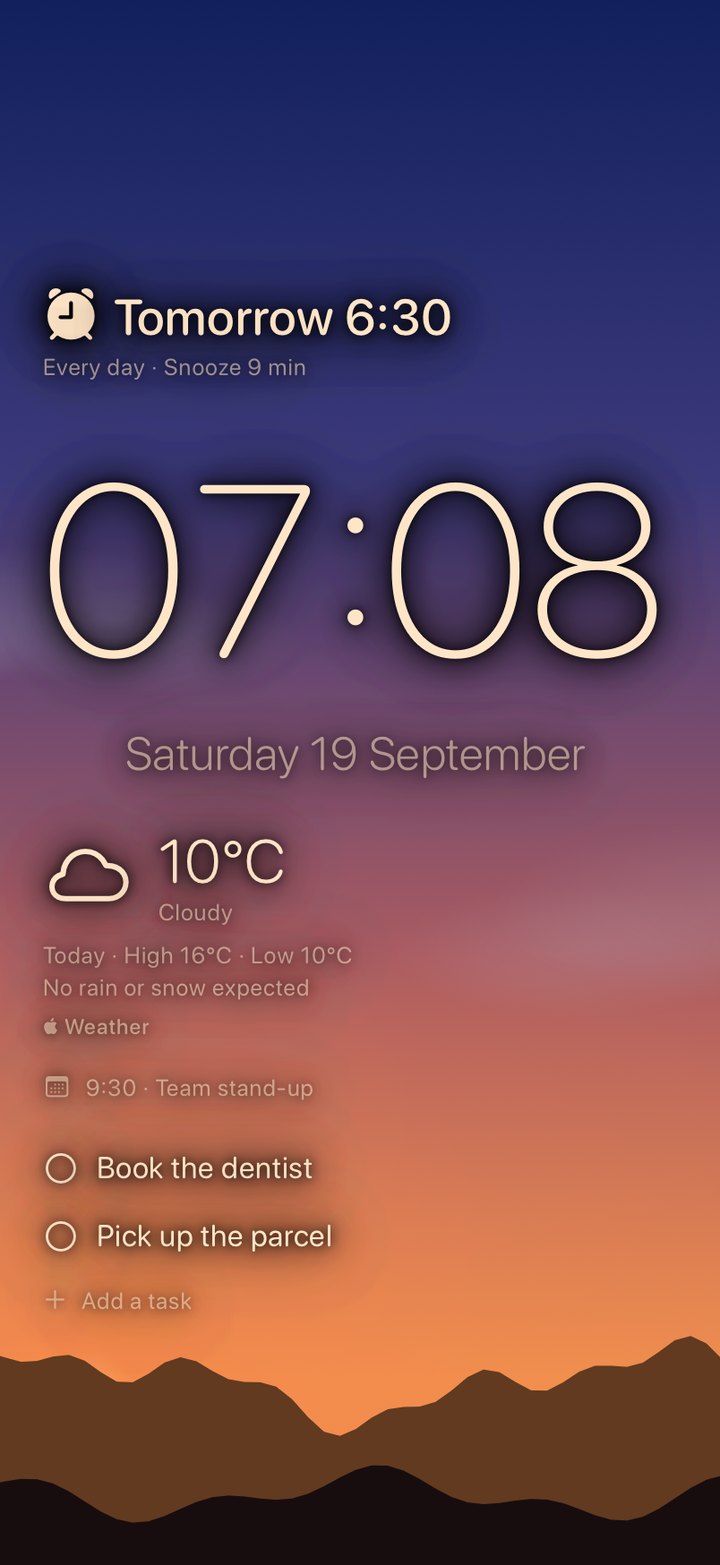
The sun and the moon stand where they really are over you, with the moon's true phase, the stars and the clouds of the forecast. It is calculated on your iPhone from the date and your place, and shows for a few minutes after a touch.
Night
Made for the night
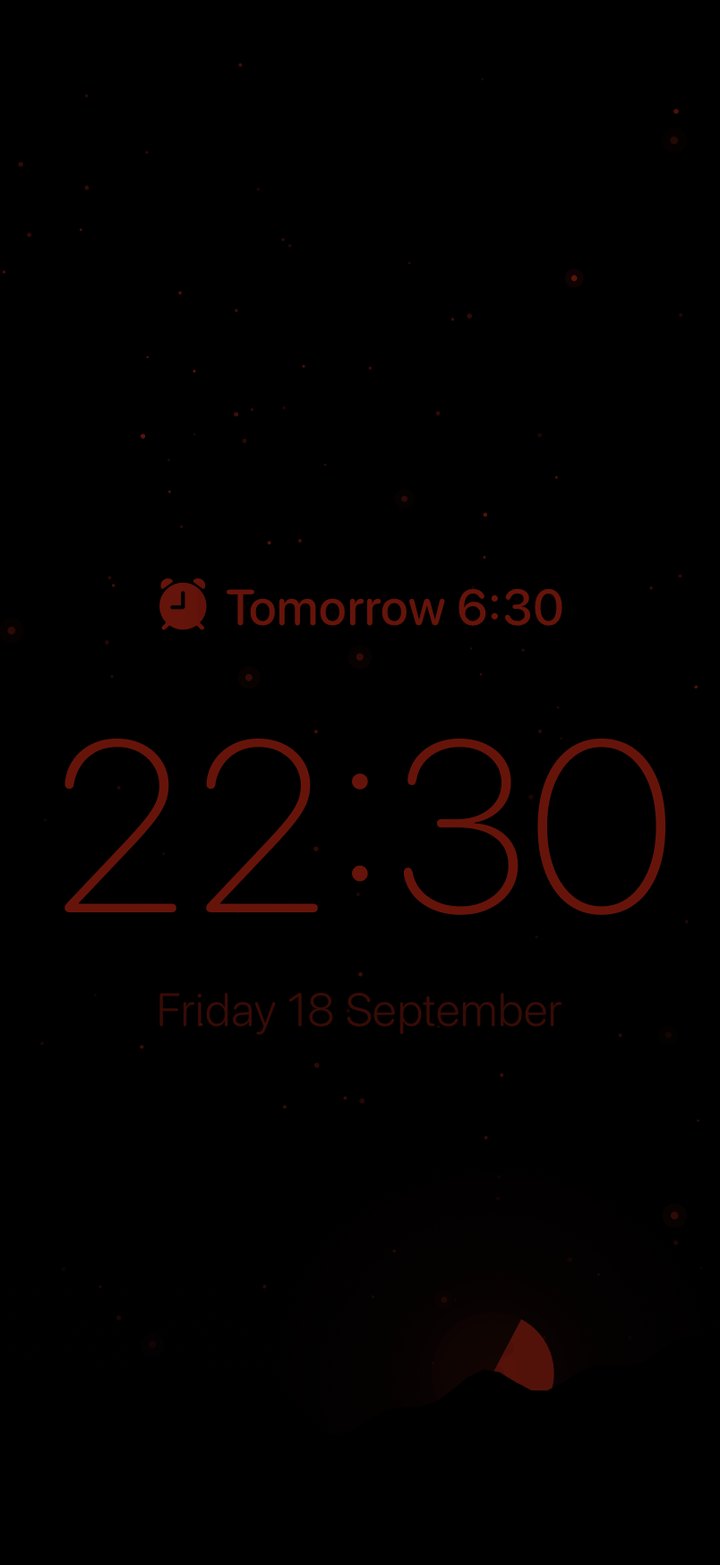
As the night comes on, the display dims by itself and turns red, like StandBy, which is easier on your eyes and on your sleep.
To spare an OLED screen, the clock drifts around, and after the time you choose every pixel switches off. Knock on the nightstand, or change the room light, to wake it.
Sleep
A week of sleep at a glance
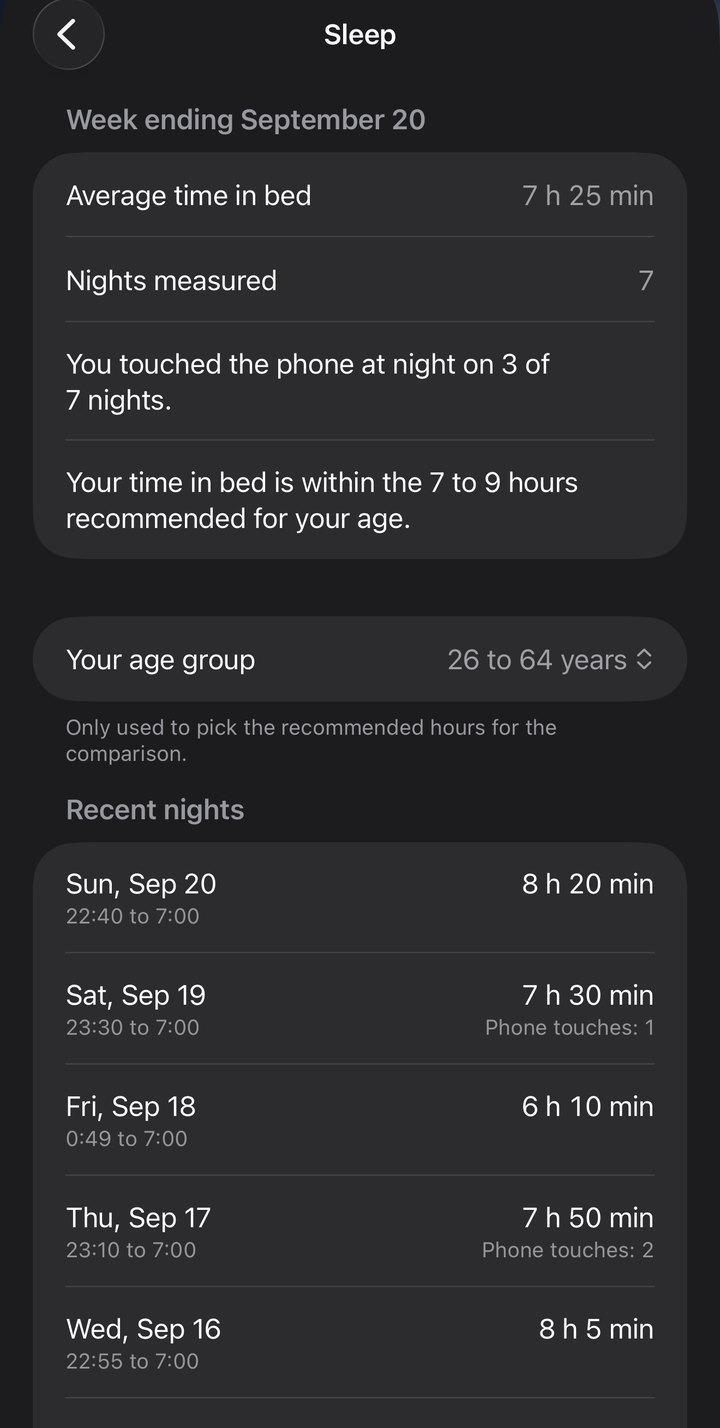
On the last morning of the week: about how long you were in bed, how often you touched the phone in the night, and how that compares with the hours recommended for your age. If you allow it, sleep from Apple Health is used for the nights it has.
It is an estimate for your information, not a medical measurement.
Private
No account. No ads. No tracking.
What the app knows stays on your iPhone. The only things that leave it go to Apple's own services: the place you set as home, for the forecast, and, if you use the trip to work, the start and the destination, for the travel time. Read the privacy policy.
- Requires
- iOS 26.1 or later
- Devices
- iPhone and iPad
- Languages
- English, Greek, German
- Weather
- Apple Weather
- Traffic
- Apple Maps
- Developer
- Fotios Pongas